
Murf.ai Review: The All-in-One Corporate Voice Studio
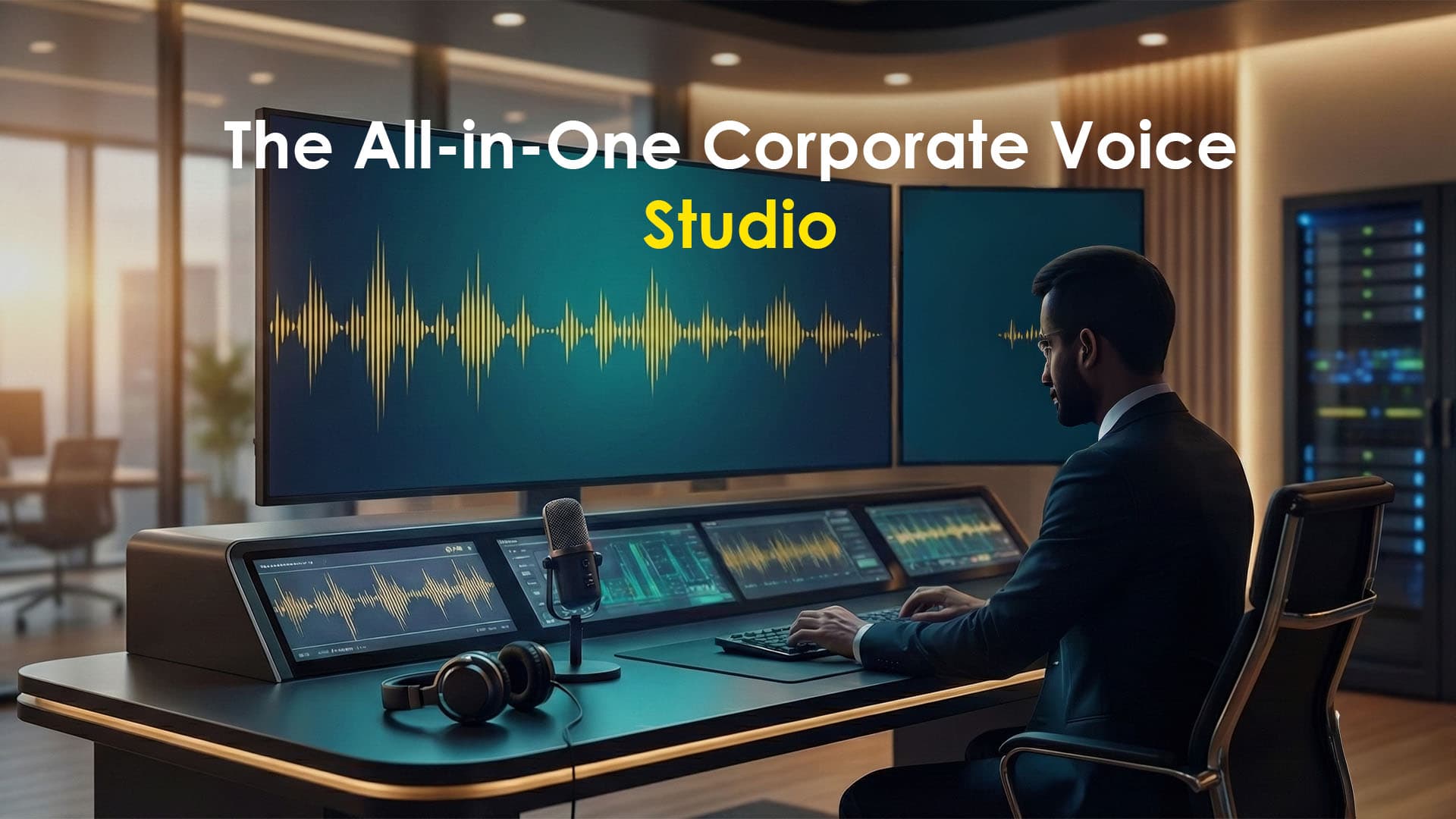
If you are looking for an all-in-one corporate production studio rather than just a voice generator, Murf.ai is the tool designed for you.
While it may not chase the bleeding-edge realism of cinematic engines like ElevenLabs, it has carved out a massive market share by focusing heavily on workflow efficiency. Its standout feature is the integrated, timeline-based studio. This allows you to generate voiceovers and directly sync them with video clips, images, and background music—all within a single interface.
It is the primary choice for corporate training, marketing, and educational sectors that need "studio-quality" results without leaving the browser.
The Workflow: Timeline & Teamwork
Murf’s core promise is speed. Generating 10 minutes of audio in under ~5 minutes is realistic on modern connections.
1. Voice & Asset Library
Voices: Access 120–200+ voices across 20+ languages and accents.
New in 2025 (MultiNative Technology): This enables seamless mid-sentence language switching and mixed-accent delivery, perfect for global corporate content.
Soundtrack: A built-in library of 7,000–8,000+ royalty-free tracks and SFX prevents you from needing external stock music subscriptions.
2. Studio Production Tools
The platform features a dedicated timeline for precise syncing. You can drag and drop blocks to arrange your narrative.
Integrations: It fits seamlessly into corporate stacks with add-ins for Canva, Google Slides, and PowerPoint, enabling direct narration on slide decks.
AI Dubbing: (Gradual rollout) Offers translation and re-voicing capabilities, though some advanced features remain gated.
Voice Cloning: Unlike consumer tools, this is available only on Enterprise/Custom tiers. It is designed for high-fidelity "brand voice" matching rather than instant fun.
3. Collaboration (Google Docs-Style)
Murf excels in team environments. Multiple members can work on projects simultaneously using commenting, versioning, and role-based access, significantly reducing approval friction.
Pros & Cons: The Honest Truth
✅ The Strengths
All-in-One Workflow: The ability to script, voice, and add music/visuals in one place is a major time-saver compared to stitching separate tools together.
Fast Previews: A huge plus is that voice previews are instant and do not consume credits. You can test freely before committing to final synthesis.
Commercial Safety: It comes with a clearly licensed music library and straightforward rights, making it safe for business use.
Collaboration: Shared workspaces and version control reduce workflow friction for teams.
Voice Consistency: Output is stable across sessions, making it superior for long-form training modules where consistency matters more than raw emotion.
❌ The Weaknesses
"Corporate" Sound: Many voices can sound neutral or flat. It lacks the emotional acting capabilities of cinematic engines like ElevenLabs.
Limited Free Plan: The free tier functions strictly as a trial/demo. It does not allow you to export or download your creations.
Hidden Costs: Key features like Voice Cloning and MultiNative Dubbing are often locked behind Enterprise tiers where pricing is not transparent.
Billing Issues: Some users have reported confusion regarding renewals and credit consumption.
Technical Limits: There is no lip-sync for video exports, and homographs (e.g., "read" vs. "read") often require manual phonetic fixes.
Pricing
Free Plan
his is strictly a demo to test voice quality. You get 10 minutes of voice generation lifetime (not per month). No Downloads. You cannot export the audio file. You can only listen to it inside the website.Creator ($19/mo billed yearly)
You now get all 200+ Voices (an upgrade from previous years where "Basic" plans had restricted voices), unlimited downloads and commercial rights.
2 Hours of generation per month. On the annual plan, you get 24 hours upfront. On the monthly plan, you are drip-fed 2 hours every month.
Best for: Very light users who only make one or two short videos a month.Business $99/month (vs. $66/mo if paid yearly).
8 Hours of generation per month.
This tier unlocks "Say It My Way" (AI variability/emphasis control) and AI Voice Changer (converting your voice to a pro AI voice).
Collaboration: Essential if you work with a team, as it allows project sharing.
Best For: Agencies or heavy content creators who need granular control over intonation and emphasis.Enterprise (Custom)
Unlimited-scale hours, custom voices, priority support—for production teams with consistent high volume.
Legal, Licensing & Ethics
Murf’s legal posture is generally clear and business-friendly.
Commercial Rights:
Free Plan: Non-commercial use only. Attribution required.
Paid Plans: Include a full commercial license. You may use content perpetually (even after cancellation) for YouTube, ads, and internal training.
Monetization: No extra platform fees for monetizing content on streaming platforms.
Ethical Sourcing: Murf markets itself as transparent; voice actors must give consent and are compensated.
Murf.ai vs. The Competition
Murf.ai vs. ElevenLabs
The Verdict: Murf wins for 80% of corporate/team use cases because of its integrated studio, music library, and slide integrations. ElevenLabs is preferred only when maximum realism and emotional acting (e.g., audiobooks, games) are required.
Murf.ai vs. Typecast
The Verdict: Use Murf for voice-first narration. Use Typecast if you need talking avatars or characters on screen.
Murf.ai vs. WellSaid Labs
The Verdict: Murf is more affordable and feature-rich for small-to-mid-sized teams. WellSaid is typically favored by large enterprises that prioritize ultra-clear licensing frameworks above all else.
Verdict
Murf.ai is the practical choice for business. If you need to turn a PowerPoint into a training video with background music by 5:00 PM, Murf is unbeatable. If you need an AI to cry realistically in an audiobook, look elsewhere.