
NotebookLM Review: The AI Tutor That "Knows" Your Notes
If you are drowning in source material PDFs, lecture notes, videos but can’t efficiently study, summarize, or connect the dots, NotebookLM is the tool designed to solve that specific pain point. It has achieved viral adoption by redefining how students interact with their notes, acting as a grounded tutoring assistant.
Unlike generic chatbots, NotebookLM grounds its responses strictly in user-uploaded content. This "walled garden" approach significantly reduces the risk of hallucinations, making it a powerful tool for deep learning and research where accuracy is paramount.
Its viral feature, the "Deep Dive" Audio Overview, turns dry notes into engaging podcasts, transforming passive reading into active listening.
The Workflow: From Chaos to Clarity
The interface features a three-panel layout (Sources, Chat, Studio) that makes switching between reading, asking questions, and generating content seamless.
1. Multimodal Ingestion
Crucially, NotebookLM doesn't just transcribe files; it indexes them semantically to understand context.
Supported Formats: Connect Google Drive (Docs/Sheets), upload audio (MP3/WAV), paste YouTube URLs, and even convert images of infographics into PDFs for step-by-step guides (ideal for engineering/medicine).
Input Limits: Officially, the platform permits up to 50 sources per notebook, with each source capped at 500,000 words (or 200MB).
2. Active Features
The platform is shifting from passive analysis to active acquisition.
Discover Sources: Acts as a curated search engine to supplement your notes with relevant, credible content from the web.
Deep Research: Allows the agent to actively find data rather than just relying on what you provide.
3. Power User Hacks
Bypassing Source Limits: You can consolidate related materials (e.g., dozens of transcripts) into a single Google Doc using Document Tabs. NotebookLM reads the entire Doc as one entity, meaning a single notebook can theoretically contain hundreds of distinct documents.
"Convert All to Source": In the Studio tab, you can compile all AI-generated insights and chat history into a new source file, enabling nuanced research across sessions.
Structured Slides: You can prompt the AI to generate slide decks following rigorous frameworks like the Pyramid Principle or MECE (Mutually Exclusive, Collectively Exhaustive).
4. Outputs & Saving
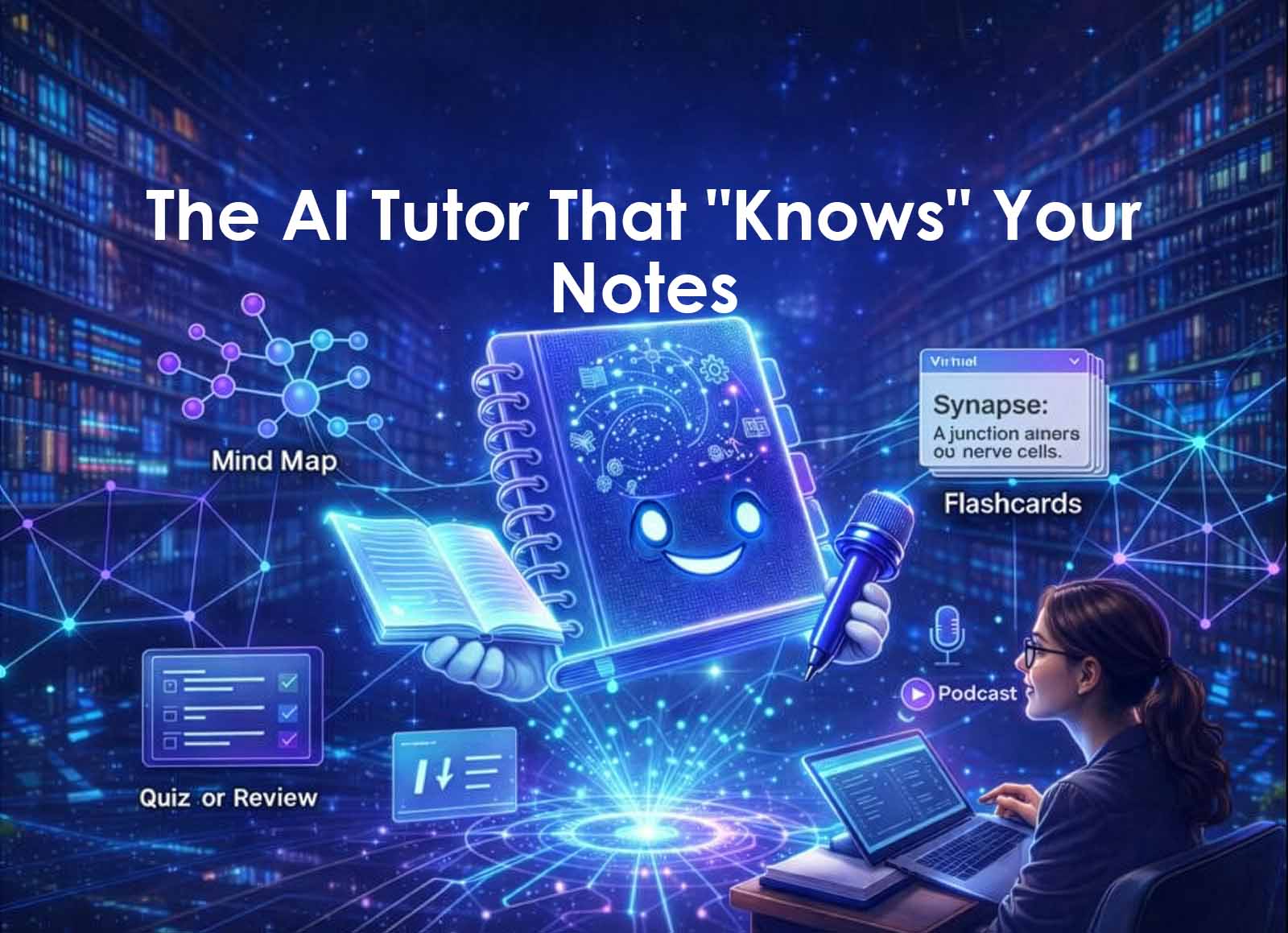
From a single upload, it generates Study Guides, FAQs, Timelines, Mind Maps, Quizzes, and Flashcards.
Important Note: Chat responses are not saved automatically. You must manually click "Save to note" to keep them.
Pros & Cons: The Honest Truth
✅ The Strengths
The "Killer Feature" (Deep Dive): This converts uploaded documents into a remarkably realistic, banter-filled podcast between two AI "hosts." It transforms passive reading into Active Learning, allowing auditory learners to "listen" to chemistry readings or history notes while commuting.
Grounded Accuracy: Because it is grounded in your sources, it provides citations for every claim (linking back to specific paragraphs).
Context Window: It features a massive 1 million token context window and customizable AI personas.
Speed: It synthesizes large document sets into coherent summaries in minutes—a workflow that typically takes days.
Generous Free Tier: Most students will never hit the limits of the free version.
❌ The Weaknesses
Siloed Notebooks: Each notebook works independently; you cannot interlink notes or data across different notebooks.
Manual Saving: Chat history requires manual saving to be retained, which is easily forgotten.
Input Sensitivity: "Garbage in = garbage out." Importing messy webpages or unclean text can sometimes fail.
Video Indexing: YouTube indexing occasionally misses parts of the content.
Initial Clunkiness: The interface can feel confusing to new users initially.
Pricing
Free Plan
This is one of the most generous free tiers in AI. You get 100 Notebooks and can upload 50 Sources per notebook.
The Limit (Daily): 50 Chat Queries and 3 Audio Generations per day. (If you are trying to "direct" the podcast hosts (e.g., "Focus on chapter 3"), every retry burns 1 generation. You only get 3 shots before you are locked out for 24 hours.)NotebookLM Plus ($19.99/mo - Included in Google One AI Premium)
The Upgrade: You get 500 Notebooks, 300 Sources per notebook and 20 Audio Generations/day.
Why you need this: If you use NotebookLM to create content (e.g., converting blog posts into podcasts for Spotify), the 3-generation limit on the free plan is a dealbreaker. This plan lets you iterate until the voice acting is perfect.
Best For: Researchers, students with massive reading lists, or content creators using the Audio Overview feature for public consumption.
Use Cases
University Students: Managing complex courses with heavy reading loads.
Exam Prep: Creating quizzes directly from lecture notes.
Auditory Learners: Using audio overviews.
Teachers: Automating the creation of study materials.
Verdict
NotebookLM is the ultimate study buddy. The Free tier is EXTREMELY generous, and most students will never hit the limits. The Plus tier is generally only justified if you are already paying for the Google One AI Premium plan.